
Running an online store is competitive. With millions of ecommerce sites vying for attention, knowing how to rank your WooCommerce store is the difference between a hobby and a profitable business. If you are struggling to get organic traffic and sales, you are not alone.
WooCommerce is a powerful, flexible platform, but its out-of-the-box settings aren’t enough to dominate the Search Engine Results Pages (SERPs). You need a dedicated, long-term ecommerce SEO strategy to outrank your competitors. In this comprehensive guide, we’ll walk you through exactly how to push your products to the top of Google.
Optimize Product Titles to Rank Your WooCommerce Store#
Product pages are the lifeblood of your store. One of the most common mistakes store owners make is using the default manufacturer descriptions. Google hates duplicate content, and it will severely hurt your chances to rank your WooCommerce store.
- Descriptive Titles: Instead of a generic “Blue Shirt,” use “Men’s Navy Blue Cotton T-Shirt – Slim Fit.” This targets long-tail keywords that actual buyers are searching for.
- Unique Descriptions: Write unique, persuasive copy that includes secondary keywords like “optimize WooCommerce products.” Focus on the benefits of the product, how it solves a problem, and not just the technical features.
- Keyword Placement: Ensure your target keyword naturally appears in the H1 title, the first paragraph of the description, and seamlessly throughout the text.
Structure Your Product Categories for WooCommerce SEO#

Site architecture is crucial for ranking your WooCommerce store. A logical, hierarchical structure helps Google crawl your site efficiently and helps users find the products they want to buy without frustration.
- Logical Hierarchy: Keep it simple: Home > Category > Sub-category > Product. Every product should be reachable within 3 clicks from the homepage.
- Category Page Optimization: Treat your category pages like high-value landing pages. Add 200-300 words of text descriptions with relevant keywords to the top or bottom of category pages. This helps them rank for broader, high-volume terms (e.g., “Leather Jackets” instead of just a specific jacket model).
- Internal Linking: Link naturally from your category descriptions to your top-selling products.
Enable Breadcrumbs for Better Navigation#
Breadcrumbs are navigational links that typically appear at the top of product and category pages (e.g., Home > Accessories > Belts). They are a quick win for your ecommerce SEO strategy.
- SEO Benefit: Breadcrumbs appear directly in Google search results, making your listing look more structured, professional, and trustworthy, which can improve click-through rates.
- UX Benefit: They help users navigate back to previous categories easily, reducing bounce rates and keeping shoppers on your site longer.
- How to Enable: Most modern WooCommerce themes support breadcrumbs natively. Alternatively, you can use a WooCommerce SEO plugin like Yoast SEO or Rank Math to enable and customize them.
Optimize Images for Search and Speed#

Ecommerce sites are inherently heavy on images. If not properly optimized, these images will slow down your site and cause you to miss out on valuable image search ranking opportunities.
- Descriptive Alt Text: Always add descriptive Alt Text to every product image. It should naturally contain keywords and accurately describe the image for visually impaired users (e.g., “handmade brown leather men’s wallet”).
- SEO-Friendly File Names: Rename your image files before uploading them to WordPress.
IMG_1234.jpgprovides zero context to search engines;brown-leather-wallet.jpgis SEO gold. - Image Compression: Page speed is a confirmed ranking factor. Ensure all images are compressed using tools like TinyPNG or plugins like Smush to keep your page load times under 2 seconds.
Leverage Schema Markup (Rich Snippets)#
Have you ever seen search results that include star ratings, exact prices, and eye-catching “In Stock” labels? That enhanced display is powered by Schema Markup.
- Why it Matters: Rich snippets make your search result visually stand out from plain text competitors. This dramatically increases your Click-Through Rate (CTR), which sends positive signals to Google.
- Implementation: Use a dedicated WooCommerce SEO plugin like Schema Pro or the built-in WooCommerce modules in Rank Math to automatically add
ProductandReviewschema to all your product pages without touching any code.
Fix Broken Links and 404 Errors#
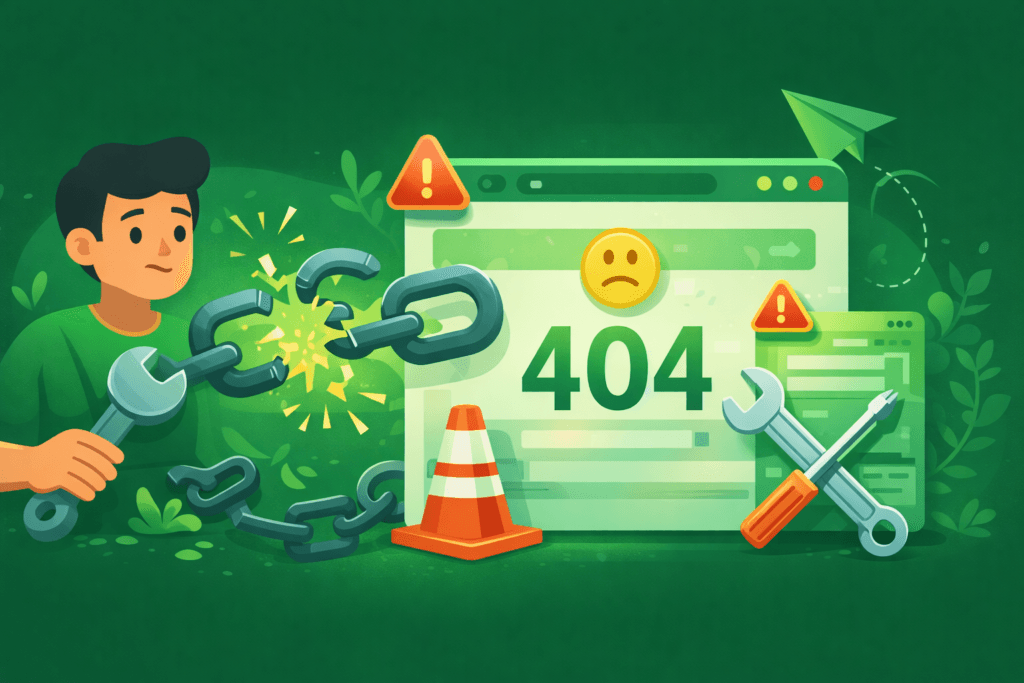
In ecommerce, products go out of stock or get discontinued regularly. If you simply delete a product page, you create a 404 “Page Not Found” error. This leads to a poor user experience and leaks valuable “link juice” (SEO authority).
- The Solution: Never just delete a page. Redirect discontinued product URLs to the nearest equivalent category page or a closely related substitute product using a 301 redirect.
- Tools: Use plugins like “Redirection” to monitor 404 errors and easily set up 301 redirects to keep your WooCommerce store healthy.
Conclusion#
Understanding how to rank your WooCommerce store involves a mix of technical precision and creative, user-focused content. By focusing on writing unique product descriptions, ensuring fast-loading and optimized images, and maintaining a clean site structure, you lay a solid foundation for SEO success.
Start optimizing your top-selling category today, fix any underlying technical issues, and watch your organic traffic and sales grow steadily over time.