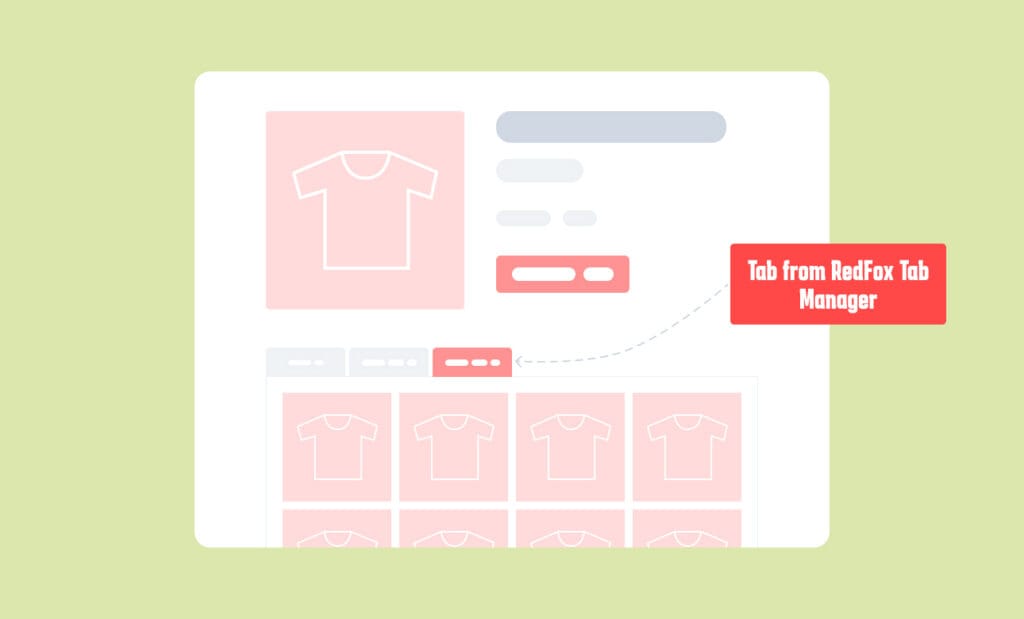
Are you struggling to increase your WooCommerce store’s conversion rates despite having fantastic products and driving consistent traffic? If your product pages feel a bit lackluster, you are not alone. In the highly competitive world of e-commerce, boring, text-heavy product descriptions often fail to capture the modern buyer’s attention. Shoppers today expect rich, interactive, and highly visual experiences before they pull out their credit cards.
This is exactly where the RedFox Tab Manager comes in as a game-changer. By completely reinventing how product information is displayed, this revolutionary plugin gives you the unlimited creative freedom to build product presentations that sell like crazy. Instead of being constrained by basic text boxes, you can now leverage the entire Gutenberg ecosystem directly inside your WooCommerce product tabs.
In this comprehensive guide, we will explore why standard product pages fall short, how custom product tabs can serve as a massive conversion multiplier, and why RedFox Tab Manager is the ultimate tab solution for WooCommerce products.
Why Your WooCommerce Store Needs Custom Product Tabs#
Out of the box, WooCommerce provides a solid foundation for e-commerce, but its default product tabs are notoriously rigid. Typically, you are limited to a “Description” tab, an “Additional Information” tab (for attributes like weight and dimensions), and a “Reviews” tab.
While this setup worked a decade ago, today’s consumers demand much more information to feel confident in their purchasing decisions. They want to see video demonstrations, read detailed FAQs, view comprehensive sizing charts, and browse customer testimonials—all without leaving the product page.
When you cram all this crucial information into a single default description box, it creates an overwhelming “wall of text.” Visitors quickly experience cognitive overload, leading to higher bounce rates and abandoned carts.
Custom WooCommerce product tabs solve this problem by organizing information logically. By categorizing your content into neatly arranged, easily digestible tabs, you keep potential buyers engaged. A well-structured product page using interactive product tabs guides the customer seamlessly through the buying journey, answering their questions proactively and building immense trust.
What is RedFox Tab Manager?#
The RedFox Tab Manager is a lightweight, incredibly powerful WordPress plugin designed to supercharge your WooCommerce store. While other tab plugins on the market limit you to basic text editors or clunky HTML inputs, RedFox Tab Manager does something revolutionary: it unlocks the full power of the WordPress Gutenberg block editor inside your product tabs.
What does this mean for you as a store owner? It means that if a block works in Gutenberg, it works in your product tabs! You can use native WordPress blocks, as well as any third-party blocks from your favorite plugins.
Whether you want to add a high-definition video player, a complex pricing table, an interactive contact form, or a countdown timer to create urgency, RedFox Tab Manager makes it possible with zero coding required. It bridges the gap between basic product listings and high-converting landing pages, giving your store the professional credibility that rivals major, million-dollar e-commerce brands.
5 Ways RedFox Tab Manager Skyrockets Your Conversions#
To truly understand the power of this WooCommerce tab manager plugin, let’s look at five highly effective ways you can use it to turn casual visitors into loyal buyers.
1. Embed Engaging Video Product Demos#
It is a well-known marketing fact that video content drastically outperforms static images. In fact, adding video product demos to your landing pages can increase conversions by 80% or more. Customers want to see how a product looks, moves, and functions in real life.
With RedFox Tab Manager, embedding videos is completely effortless. You can create a dedicated “Video Demo” tab and use the Gutenberg video block to embed YouTube links, Vimeo URLs, or upload your own self-hosted videos. This immersive experience keeps visitors on your page longer, boosting both your sales and your SEO metrics.
2. Create Stunning, Multi-Angle Image Galleries#
A single featured image and a basic thumbnail slider are often not enough, especially for highly visual products like apparel, jewelry, or home decor. Customers want to scrutinize the details, see the product in different environments, and view user-generated content.
By utilizing Gutenberg gallery blocks inside a custom tab, you can showcase your products from every conceivable angle. You can even integrate third-party advanced gallery blocks to create masonry layouts, slider carousels, or Instagram-style feeds that display real customer photos, adding a massive layer of social proof.
3. Build Immediate Trust with Customer Testimonials#
Trust is the ultimate currency in e-commerce. If a visitor doesn’t trust your brand, they simply won’t buy. While the default WooCommerce reviews tab is helpful, sometimes you need to highlight your absolute best success stories prominently.
Using RedFox Tab Manager, you can create a dedicated “Success Stories” or “Testimonials” tab. Drop in a stylish Gutenberg testimonial block or a review slider plugin block to showcase glowing feedback, star ratings, and customer portraits. This curated social proof immediately validates the buyer’s decision.
4. Answer Pre-Sale Questions with FAQ Accordions#
One of the biggest conversion killers is unanswered questions. If a customer is unsure about your shipping policy, return guarantees, or product compatibility, they will likely leave your site rather than take the time to email support.
You can easily prevent these lost sales by adding an “FAQ” tab using a Gutenberg accordion or toggle block. Address the most common objections and queries directly on the product page. Not only does this clear up doubts immediately to secure the sale, but it also drastically reduces the number of repetitive support tickets your customer service team has to handle.
5. Capture Custom Requests with Interactive Forms#
If you sell custom-made products, B2B services, or high-ticket items that require a quoting process, you need a way for customers to communicate with you easily.
Instead of forcing users to navigate to a separate “Contact Us” page—disrupting their buying flow—you can use RedFox Tab Manager to place an interactive form directly inside a “Request a Quote” tab. Just drop in a block from WPForms, Gravity Forms, or your preferred form builder. Capturing leads has never been more seamless.
How to Set Up RedFox Tab Manager in 3 Simple Steps#
You might think that such advanced functionality requires a developer or hours of complex configuration. The beauty of RedFox Tab Manager is its absolute simplicity. You can unleash unlimited content power in under five minutes.
Step 1: Install & Activate
Download the RedFox Tab Manager plugin and upload it through your WordPress admin dashboard. Activate it with a single click to instantly unlock Gutenberg power for your products. (Note: Ensure WooCommerce is already installed and active).
Step 2: Build Amazing Global Tabs
Navigate to the intuitive tab management interface. Create new global tabs that will appear consistently across your store. Use the familiar Gutenberg editor you already know and love to drag and drop videos, galleries, forms, pricing tables, and more.
Step 3: Publish and Watch Conversions Explode
Hit publish, and visit any product page on your front end. You will instantly see your rich, interactive tabs beautifully integrated into your theme’s styling. Watch as your engagement metrics and sales figures begin to climb!
RedFox Tab Manager vs. Traditional Tab Plugins#
You may be wondering how RedFox compares to the dozens of other tab plugins in the WordPress repository. The distinction is crystal clear.
Traditional tab plugins generally rely on the classic WordPress TinyMCE editor. This restricts you to basic text, simple bullet points, and perhaps some shortcodes if you are willing to memorize them. They are clunky, outdated, and rarely look good on mobile devices.
RedFox Tab Manager was built for the modern era of WordPress. By fully embracing the Gutenberg block editor, it offers a visual, “what-you-see-is-what-you-get” building experience. Furthermore, RedFox utilizes a global tab system. Instead of painstakingly recreating the same shipping or FAQ tab on 500 different products, you create it once globally, ensuring perfect consistency and saving you countless hours of administrative work.
Common Mistakes to Avoid with WooCommerce Product Tabs#
As you begin building out your new tabs, keep these best practices in mind to maximize your results:
- Overcrowding Tabs: Just because you can add unlimited content doesn’t mean you should. Keep your tabs focused and relevant. Don’t add a map block if the product is purely digital.
- Ignoring Mobile Optimization: A significant portion of your traffic comes from smartphones. Fortunately, native Gutenberg blocks are inherently responsive, but always double-check your custom tabs on a mobile device to ensure the user experience remains flawless.
- Forgetting SEO: Product tabs are fantastic for search engine optimization. Search engines crawl the text inside your tabs. Make sure to use relevant keywords naturally within your tab headers and paragraph text to boost your organic rankings.
Conclusion#
In an e-commerce landscape where customer attention is fleeting, plain text product descriptions simply don’t cut it anymore. To stand out from the competition, reduce support inquiries, and dramatically increase your average order value, you need to provide a rich, multimedia shopping experience.
RedFox Tab Manager empowers you to do exactly that. By merging the e-commerce capabilities of WooCommerce with the unlimited creative potential of the Gutenberg block editor, it truly is the ultimate tab solution. From video demos and interactive FAQs to stunning galleries and lead capture forms, your imagination is the only limit.
Stop leaving money on the table with boring product pages. Transform your store into a high-converting powerhouse today.